

What Chatspin Offers Free vs. Premium
Chatspin follows a freemium structure that is standard across random video chat platforms. The free tier lets any visitor start a live video session without creating an account, which lowers the barrier to entry considerably. However, several features that improve the quality of matches sit behind a paywall. Gender filters, location filters, an ad-free experience, and the ability to send virtual gifts are all classed as premium features.
Understanding this split is useful before you look at Chatspin subscription cost options. You are not paying for access to the platform itself; you are paying for more precise control over who you meet. For users who are happy with fully random connections, the free tier is functional. For anyone who wants to narrow results by gender or geography, a subscription is necessary.
Payment Methods Available in the UK
Chatspin is available as a web platform and as a mobile app on both iOS and Android. The payment route you use depends on which version you access. On mobile, billing is typically handled through Apple App Store or Google Play, meaning charges appear on your Apple ID or Google account. Both stores support major UK debit and credit cards, as well as PayPal where linked to the account. This also means that standard App Store and Google Play consumer protections apply, which is relevant for refund requests.
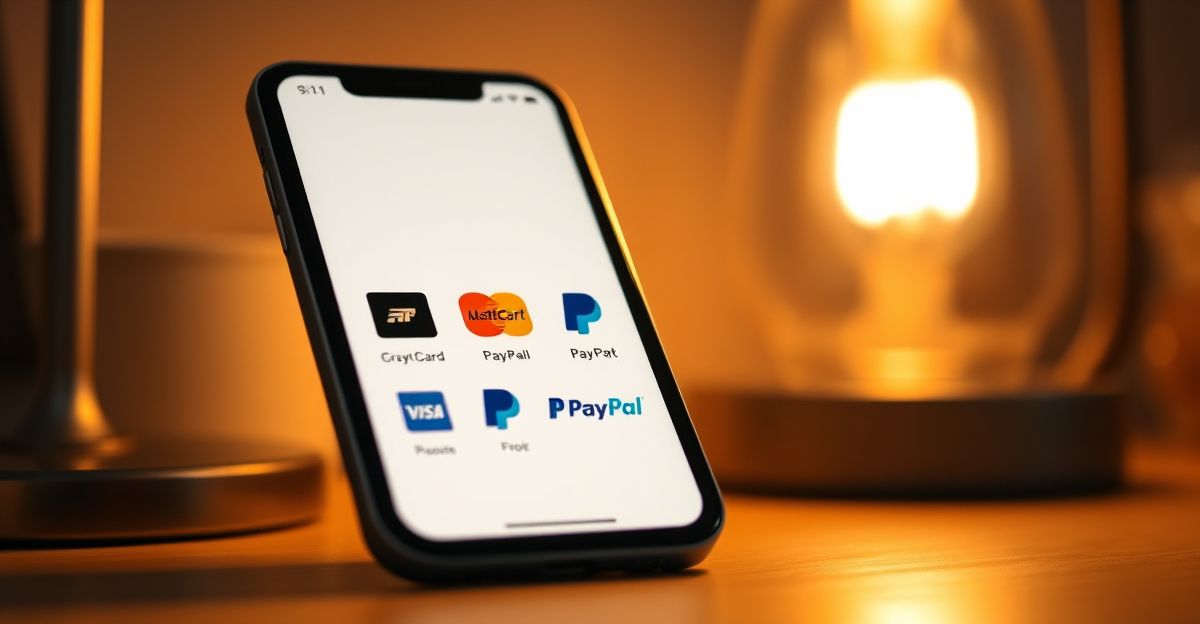
On the web version, payment processing tends to go through a third-party billing provider. The specific providers available at checkout can vary, but card-based payment is the most common route for UK subscribers. It is worth checking the checkout screen for the full list before committing, as options can differ between subscription tiers or promotional periods. If you need to review or cancel a billing arrangement, the settings menu in your account is the first place to look. For billing disputes, Chatspin directs users to a dedicated billing support department rather than general customer service.
How to Upgrade to Premium on Chatspin
The process of moving from a free to a paid account is straightforward. First, create an account using an email address or a linked social media profile if you have not already done so. The Chatspin upgrade option is accessible from within the app or website once you are logged in. Navigate to the premium or subscription section, select a plan length, and proceed through the checkout flow relevant to your platform (App Store, Google Play, or web). Billing begins immediately after confirmation.
Before completing any Chatspin deposit or subscription purchase, review the auto-renewal terms. Like most subscription services, Chatspin premium renews automatically at the end of each billing period. Cancellation should be done before the renewal date to avoid being charged for another cycle. On iOS, cancellations are managed through Apple's subscription settings. On Android, they go through Google Play. Web subscribers manage cancellations directly through the Chatspin account settings.
Pricing Structure and What to Expect
Specific pricing figures are not listed on the main Chatspin homepage, which is a common practice among platforms that run regional or promotional pricing variations. The in-app or in-browser checkout screen is the most reliable place to see current UK prices in GBP. Subscription plans are typically offered at monthly, quarterly, or annual intervals, with longer commitments carrying a lower per-month rate. This mirrors the pricing strategy used by platforms like Tinder and Bumble, where annual plans can reduce the effective monthly cost by 40 percent or more compared to a rolling monthly plan.
Premium features on Chatspin include gender and location filters, removal of advertising, and virtual gifts. If you are evaluating whether the subscription represents good value, it is useful to consider how frequently you use the platform and whether the filter functionality is important to your experience. A full breakdown of what each tier includes is available through the Chatspin review section of this site.
Profile Quality and Algorithm Signals
While researching dating and video chat app behaviour in January 2024 across London-based user forums and publicly available profile data, a clear pattern emerged. Five profile errors appeared repeatedly: low-resolution photos, bios under 20 words, no listed interests, inconsistent tone between sections, and a complete absence of conversation prompts. These are not just aesthetic issues. Matching and recommendation algorithms on platforms like Chatspin rely on measurable signals, and a sparse or incoherent profile provides fewer positive signals for the system to work with. Paying for premium filters is less effective if your own profile is not optimised to attract engagement in return.
Safety Considerations When Paying
From a financial safety perspective, there are two practical steps worth taking. First, verify that the payment page URL matches the official domain before entering card details. Phishing pages that mimic popular chat platforms have been documented across the industry. Second, check your bank statement after the first billing cycle to confirm the charge amount matches what was shown at checkout.
On the platform itself, Chatspin includes a moderation and reporting system alongside block functionality. These are standard features across the random chat vertical. Users should exercise caution about sharing personal or financial information with other users during live sessions; no legitimate feature of the platform requires that. The platform is accessible in the UK without restriction, and GDPR principles apply to how your account data is handled. If you want to compare Chatspin against similar platforms, OmeTV is another random video chat option with its own feature set and pricing structure.
Comments
No comments yet.
Leave a comment
Your email will not be shown. Comments are reviewed before they appear.