

What Chatspin Registration Actually Involves
With over one billion connections logged since launch, Chatspin has built an active user base that UK newcomers can tap into today. The platform pairs you randomly with people around the world for live video or text conversations, and getting started is genuinely straightforward - a little preparation simply makes the experience smoother. Registration is optional for basic features, but creating a free account is worth the few extra minutes because it gives you access to the block and report tools, a persistent profile, and the ability to manage your Chatspin login details over time.
UK users are in a good position here. Chatspin is fully permitted in the United Kingdom and operates within the reach of UK data protection law, which means you have rights over how your information is used. That regulatory context is worth keeping in mind whenever you share anything personal on a chat platform.
Step-by-Step: Creating Your Free Chatspin Account
The Chatspin signup process follows a familiar pattern. Visit the site or open the mobile app, then choose between registering with an email address or linking a social media account. Email registration gives you the cleanest separation between your chat identity and your personal social profiles, which many UK users prefer for privacy reasons.
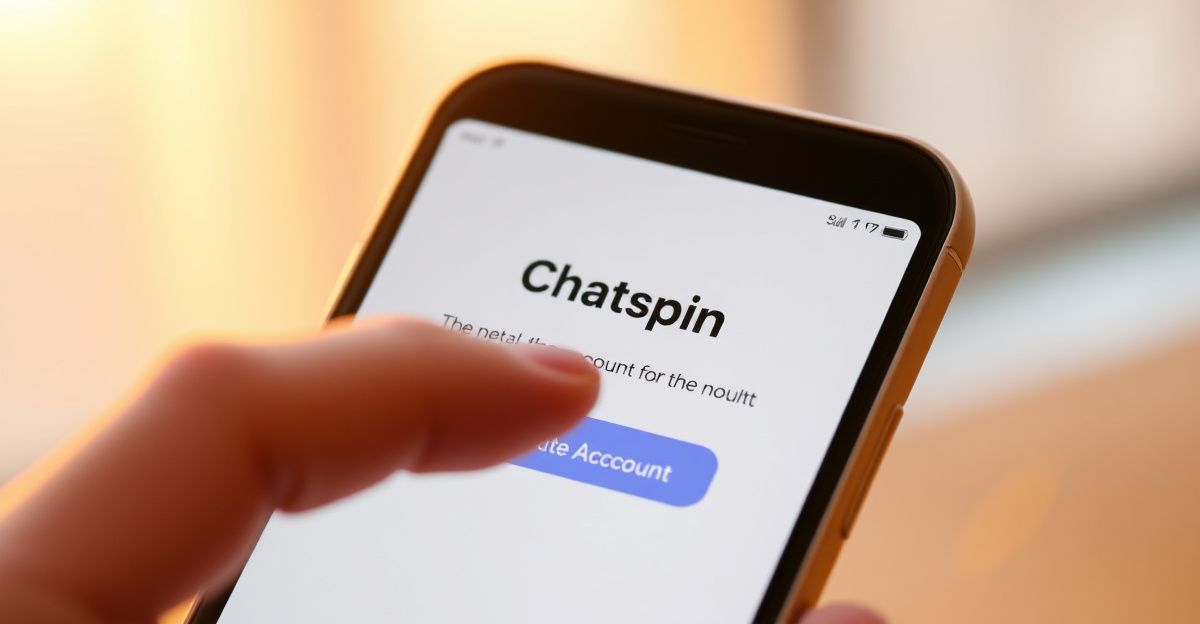
Once you enter your email and set a password, a confirmation message arrives in your inbox. Clicking that link completes the Chatspin verification step and activates your account. From there, add a display name and a short bio. You are not required to share your real name, your location, or any other identifying detail. The platform is designed for casual discovery, so keep your profile light and honest rather than exhaustive.
Allow your browser or app to access your camera and microphone when prompted. These permissions are needed for video chat. If you would rather start with text only, you can decline camera access and still participate in conversations - a useful option if you want to get a feel for the platform before going on camera.
Building a Profile That Starts Real Conversations
On a quiet Sunday last August, I was setting up a fresh account on a random chat platform and I noticed something that genuinely surprised me: the whole registration took under ten minutes, but the three sentences I had prepared in my notes app the night before made an immediate difference. I had written one genuine interest, one thing I enjoy talking about, and one quality I bring to a conversation - and because that copy was ready before I clicked register, I launched from a place of clarity rather than guesswork. The confidence that gave me carried directly into my first conversations that day.
The same approach works well for Chatspin. Write your bio before you open the registration page. Think about one genuine interest, one thing you enjoy talking about, and one quality you bring to a conversation. Authenticity is the most attractive thing you can put in a profile - not a list of accomplishments, but a real sense of who you are. That is what encourages the kind of connection that feels worthwhile rather than throwaway.
Free vs Premium: What Changes After Registration
A free Chatspin account gives you access to random video chat, text chat, the reporting system, and the ability to block users. That is a solid foundation. The premium subscription unlocks gender and location filters, which let you narrow down who you are matched with - a meaningful upgrade if you have specific preferences. Premium users also get an ad-free experience and the ability to send virtual gifts. If you want to explore whether the premium features are worth it, starting with the free tier and testing the platform first is the sensible approach.
One practical note: some users find the cost of premium features on random chat platforms higher than expected. Compare what you actually use during your free trial period before committing to a subscription. That same principle applies across the random video chat category, whether you are on Chatspin or exploring alternatives like Shagle or Camsurf.
Staying Safe After You Register
Registering is only the first step. How you behave on the platform shapes the quality of your experience. Chatspin has moderation tools and a reporting feature built in, and you should use them without hesitation if someone makes you uncomfortable. Never share your full name, home address, workplace, or financial details in a chat conversation. The fact that a connection feels warm does not mean it is safe to escalate personal disclosure quickly - take your time and let trust develop naturally over multiple conversations.
UK users should also know that platforms operating here must comply with data protection requirements that give you the right to request deletion of your data. Before you dive into your first session, open the Chatspin settings menu and spend two minutes locating the data and privacy options - knowing exactly where the account deletion button lives means you are always in control, and that confidence tends to make every conversation you have from that point forward a little more relaxed and genuine.
Comments
No comments yet.
Leave a comment
Your email will not be shown. Comments are reviewed before they appear.